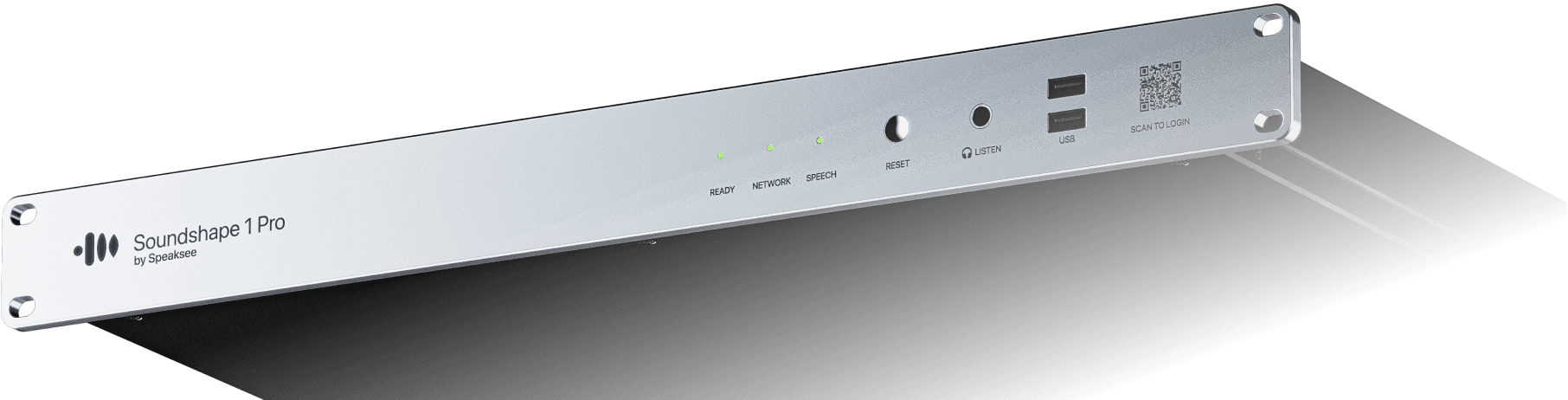
Soundshape product update: spoken translation and easier live control

Attendees can now listen to a translation on their own phone. You can reuse the same QR code across events. And you can add words to your Dictionary while captions keep running. Over the past few weeks, we have expanded Soundshape with features that give your audience more choice and make live operation easier.
Let attendees choose: read or listen
Speech-to-Speech is now available in Soundshape. Alongside live captions and text translation, attendees can have the text read aloud on their own phone. They choose how to follow a presentation: reading along or listening through their own earphones.
For AV rental companies, this adds another service to the existing Soundshape setup. You can now offer organisers spoken translation using the audio feed you already provide.
Enable the feature under Viewers → What viewers can do → Read-along. The admin panel is in English, so these are the exact menu labels you will see.
One permanent QR code for your Soundshape
You can now use a permanent QR code for each Soundshape. It stays the same from one session to the next, so you do not need to distribute a new code for every event.
That makes preparation easier. You can include the code in signage or a presentation template ahead of time. For recurring events or a fixed venue setup, you can keep using the same materials.
Find the permanent QR code under Viewers → Shared sessions.
Update your Dictionary while the session continues
Does a company name, technical term or speaker’s name come up that you want to add? Saved Dictionary changes now take effect at the next pause in speech.
You no longer need to restart the session. Captions keep running while you adjust recognition. This is especially useful at congresses and business events, where specialist terminology may only become apparent during the presentation.
Learn more about the Soundshape Dictionary
Manage the attendee experience in one place
All session-sharing settings now sit together under Viewers. Here, you manage access to sessions and choose which options attendees can use, including translation, language selection and read-along audio.
You can also customise the join page with a logo and header colour. A live preview shows you exactly how the page will look to your attendees.
This makes it easier to prepare the attendee experience before an event and find the right setting during the production.
More readable captions, fewer interruptions
We have also improved the live caption display. Updated punctuation helps break speech into shorter, more readable sentences.
Attendees who join halfway through a sentence now see the existing caption straight away. On event screens, captions no longer blink during speech or bring back old lines after a connection drop. Changes to settings and HDMI translation are also processed faster, with less interruption to the text.
Together, these updates make Soundshape easier for your audience to follow and easier for you to operate during a live production.
Already using Soundshape? Open the admin panel and explore the new options under Viewers. Need help with your setup? Visit our Help Desk.