FOR CONFERENCE AND BUSINESS EVENT ORGANISERS
Organising a conference, congress or business event? Help international guests and visitors who need captions follow your programme. Discuss the languages and preparation that fit your venue and AV setup with us.
Their own phone. Their own earphones. No app or account.

ONE SESSION · EACH VISITOR CHOOSES HOW TO FOLLOW
PARIS CREATOR WEEK 2026 · 0:23
As panellists spoke, French or English captions appeared on the screen above them. Guests could also scan a QR code to read along on their phones.
THE VISITOR EXPERIENCE
01
Live captions
Support deaf and hard-of-hearing visitors and anyone who wants to read along. Display captions on phones, venue screens or your livestream.
02
Translated text
Help international visitors follow speakers in their chosen language on their own phone.
03
Spoken translation
Let guests listen through their own earphones while watching the speaker and slides. They can switch between reading and listening.
Language and dialect availability differs between captions, text translation and spoken translation. We’ll confirm the options for your programme.
Experience what your visitors will hear.
Try spoken translation and live captions yourself during a 30-minute demo.
FROM YOUR EVENT AUDIO TO YOUR VISITORS

01
Connect the event audio
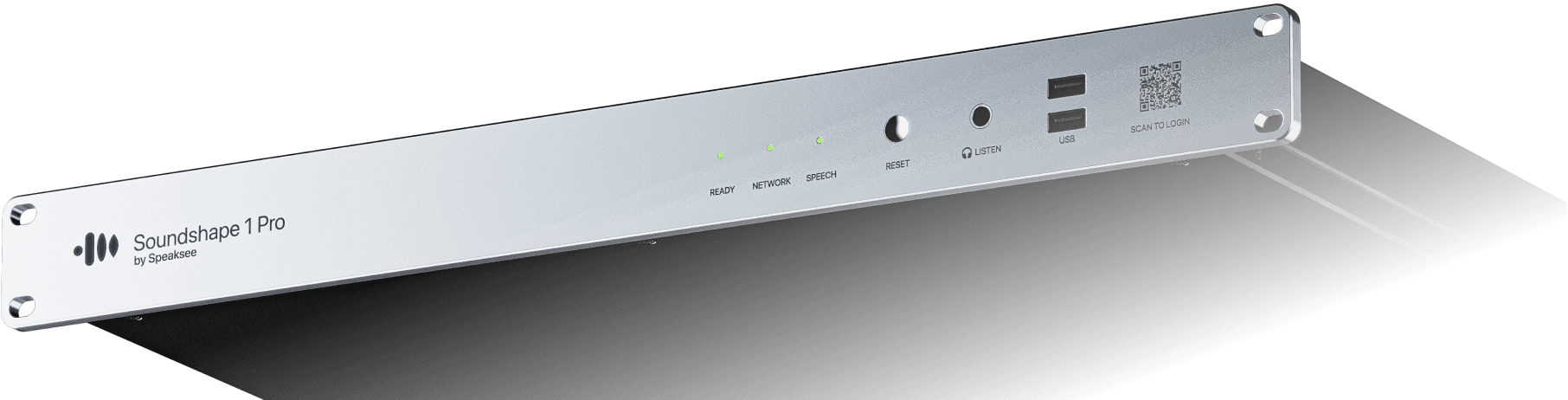
Your AV team connects Soundshape to the mixing desk or audio feed with XLR. The unit needs power and a stable internet connection.
YOUR SESSION LANGUAGES
Dutch → English French German
Example language selection
02
Select the session languages
Choose the spoken and translated languages for your programme and prepare the QR code to share with visitors.

03
Scan and choose a language
Show the QR code on a screen or in your event materials. Guests scan it on their own phone and select their language.

Read along
Listen along
04
Read or listen
Visitors choose live text or translated audio through their own earphones. They can change how they follow during the session.
Which solution fits your event?
Discuss your audience, languages, programme and AV setup. Find out what your venue or AV partner needs to prepare.
FOR YOUR NEXT CONFERENCE, CONGRESS OR BUSINESS EVENT
Discuss your audience, languages and programme with us. Together, we can plan the visitor experience and clarify what your venue or AV partner needs to prepare. Include captions and translation in your event plan from the start.
Need Soundshape for one event? Ask us about the available options and suitable AV partners for your location.
BRING THESE DETAILS
Your event
Date, location, audience size and event format.
Your programme
Rooms, parallel sessions, speakers and session times.
Your languages
Spoken languages and the translations your guests need.
Your setup
Your venue or AV contact, audio feed, screens and livestream.
PLAN YOUR BUDGET
Session duration and the number of translated languages determine your credit usage. Text and spoken translation are included together for each target language. Discuss your programme with us for advice on the setup and costs for your event.
BEFORE YOU BOOK
Make your next event more accessible.
Tell us what you are organising and discover how you can use Soundshape for your event.