
Improve live captions with your own dictionary
With live captions and real-time translation, you help visitors read along, follow the conversation, and take part. But every event has its own important words: speaker names, company names, brand names, abbreviations, locations, product names, and specialist terms.
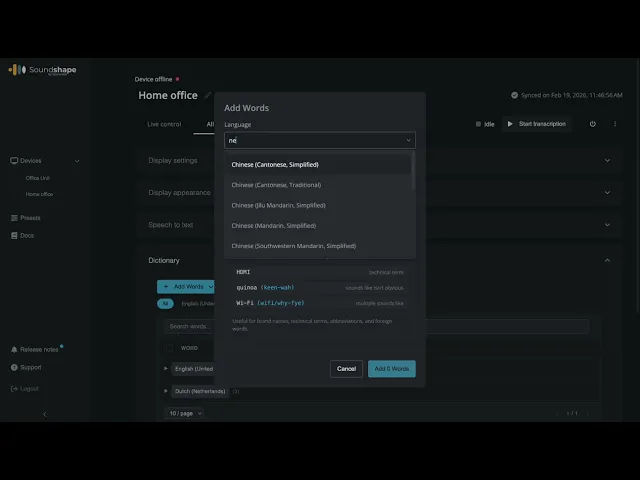
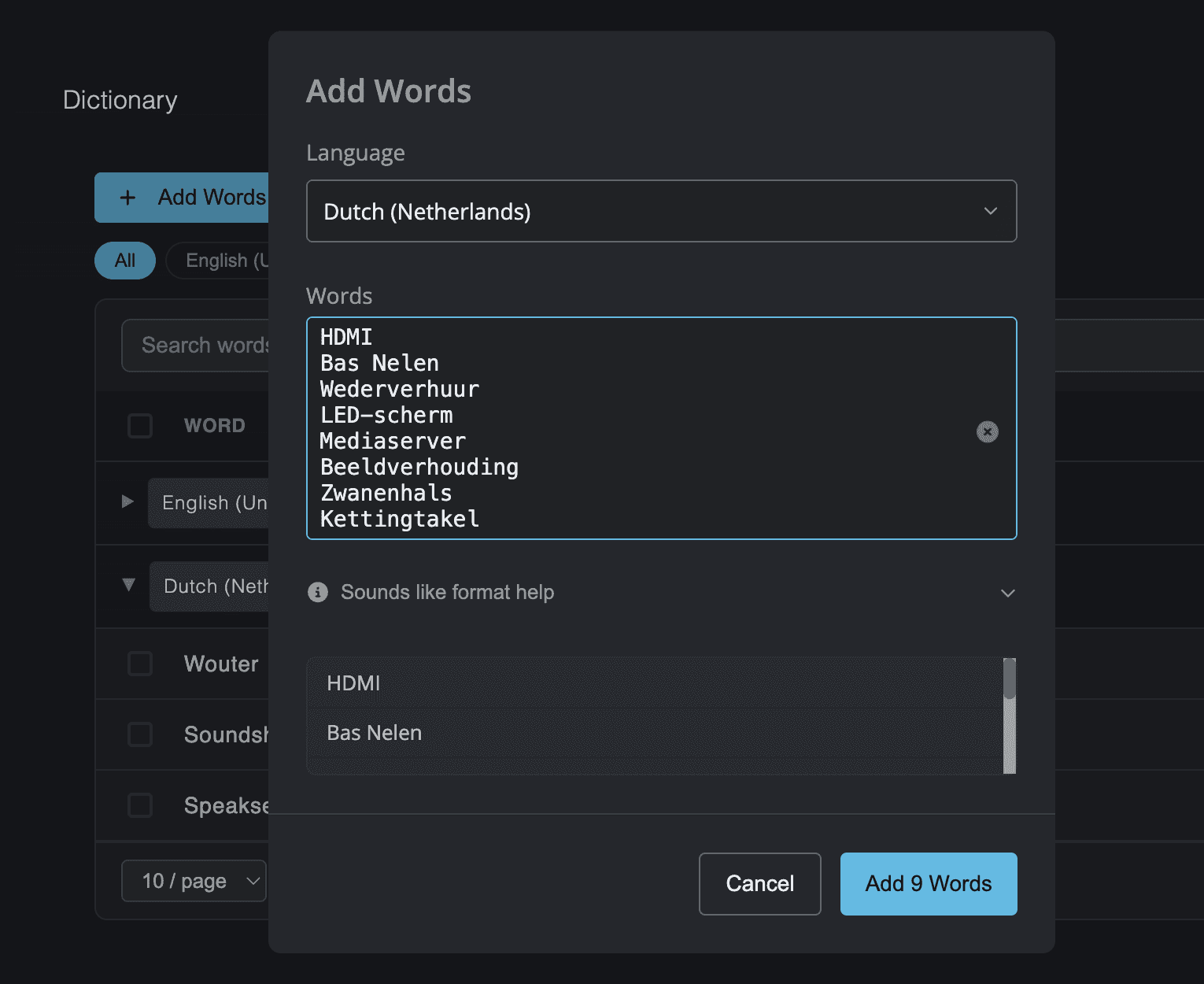
By adding these words in advance in the Soundshape admin panel, you help Soundshape better understand the context of your event.
Why a dictionary matters
Live captions work best when the context is clear.
General words are often recognized naturally. But specific terms can benefit from extra preparation. Think of names that can be pronounced in different ways, English brand names, technical terms, or abbreviations that are obvious within your organization but less obvious to an AI system.
Examples include:
speaker and moderator names;
company names and brand names;
product or project names;
internal abbreviations;
locations, rooms, and programme items;
sector-specific terminology;
names of customers, partners, or sponsors.
By adding these words in advance, you prepare the live captions for what is likely to be said during the event.
Which events benefit from a dictionary?
A dictionary is especially useful for events with specific or specialist content.
Think of a conference with medical or technical terms, a company event with internal project names, a product presentation with brand names, an educational session with subject-specific language, or an international meeting with names from multiple languages.
It can also help at events with several speakers. Every speaker has their own style, pace, and vocabulary. A dictionary gives extra context for the key terms that appear throughout the programme.
How to create a useful dictionary quickly
You do not have to start from scratch. In most cases, you already have a lot of useful information available.
Use sources such as:
the event programme;
the production schedule;
speaker biographies;
presentation titles;
sponsor information;
a list of participating organizations;
internal documentation;
product or project descriptions.
Review these documents and highlight the words that matter for understanding the event. Then add the relevant terms to the Soundshape admin panel.
Practical AI tip: let AI create a first draft
You can use AI to create a first dictionary more quickly.
Paste your programme, production schedule, or speaker information into an AI tool and use this prompt:
Example prompt
Extract all words from this text that could be important for live captions during an event. Create separate lists for speaker names, company names, brand names, product names, abbreviations, specialist terms, locations, and programme items. Only include words that are likely to be spoken out loud.
Always review the result yourself. AI can save time, but you know which words are truly relevant for your event.
What to check before adding your dictionary
A good dictionary is not as long as possible. It should be as relevant as possible.
Focus on words that are likely to be spoken during the event and that are important for visitors to understand the content.
Keep these points in mind:
Choose relevant words
Add terms that are actually likely to appear in presentations, conversations, or panel discussions.
Check the spelling
Use the official spelling of names, brands, and products.
Avoid noise
Do not add general words that provide little extra context.
Think about abbreviations
Add abbreviations in the form in which they are likely to be spoken.
Check international names
Names from other languages can be more sensitive to recognition. Add them in advance where relevant.
A small preparation step with a big effect
A dictionary takes little time to prepare, but it can add real value to the visitor experience.
Deaf and hard-of-hearing visitors can follow the content more easily. International visitors get more context when using real-time translation. And organizers can provide a more professional experience by making important names and terms more recognizable on screen.
That makes accessibility a fixed part of good event preparation, not something to arrange only on the day itself.
Soundshape helps you prepare accessible events
With Soundshape, visitors can follow live captions or translations on their own smartphone or tablet, or via screens in the venue or a livestream. By adding a dictionary in advance, you make that experience even better aligned with your event.
Want to know how to use Soundshape for your conference, meeting, theatre programme, or company event?
Book a demo and discover how to prepare live captions and real-time translation with ease. If you have any questions about this, please do not hesitate to get in touch.