From stage to earphones: how live spoken translation works at events
The speaker is in full flow, the slides keep moving and the person beside you is already laughing at a joke. Meanwhile, you are still translating the previous sentence in your head. At an international event, following another language can take more attention than you expect.
Live spoken translation helps attendees follow a presentation in their preferred language. With Soundshape, they can listen through their own phone and earphones, or read along. But how does the speaker’s voice actually reach the listener?

It starts at the microphone
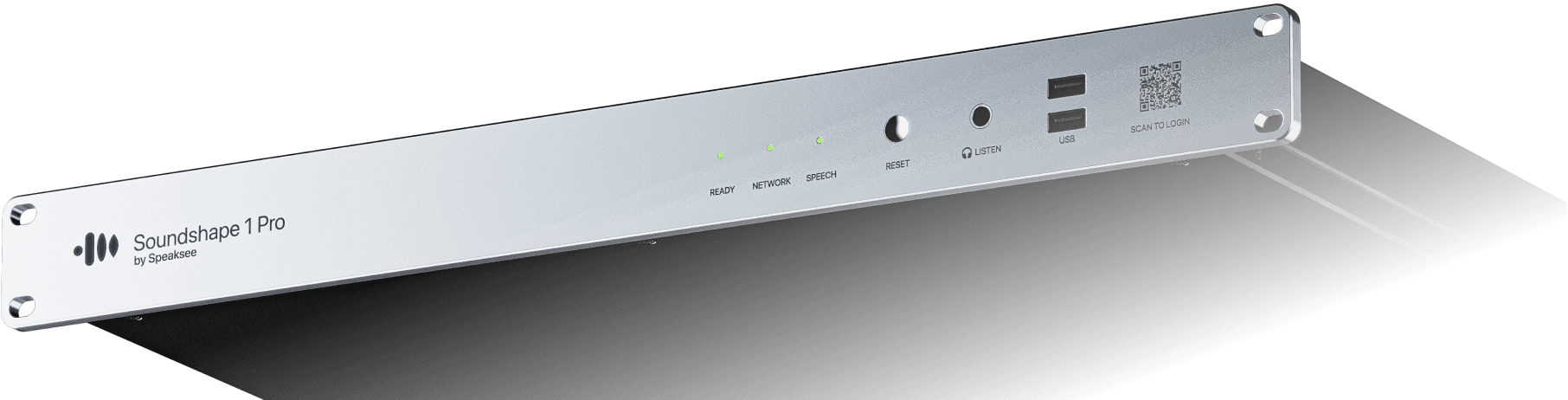
Behind the scenes, the AV technician connects Soundshape via XLR to the mixing desk or another audio feed. This gives the system speech directly from the event’s sound setup.
That connection matters. A clear microphone signal is the foundation for good speech recognition and translation. The speaker uses the microphone on stage as usual, while translation runs within the existing AV setup.
From spoken words to translated audio
Soundshape uses AI to turn speech into text and translate it into the selected languages. With Speech-to-Speech, a synthetic voice then reads the translated text aloud.
This gives attendees several ways to follow the same presentation: captions in the spoken language, translated text and spoken translation.
Processing takes time, so the translation follows the speaker rather than playing in exact sync with the original speech. To understand the experience for your event, test it beforehand with your chosen languages and presentation content.
Scan, choose and listen
For attendees, it starts with a QR code on the presentation screen or near the entrance to the room. Scanning it opens the session in their phone’s browser. There is no app to download and no account to create.
They choose an available language, then read along or listen through their own earphones. They can switch between text and audio during the session, and translated audio keeps playing when the phone is locked.
A useful addition to your pre-event email: ask attendees to bring their phone and earphones. They will arrive knowing how to access the translation.
Why the choice between reading and listening matters
Imagine a Dutch speaker presenting research to an international audience. A French attendee listens to the French translation while studying the graphs. Another attendee prefers reading the English text. A visitor who is hard of hearing follows the Dutch captions.
They are in the same room, but each needs a different way to follow the content. Offering text and audio lets them choose. Their preference can change during a presentation too: reading an unfamiliar term, then returning to audio while watching the stage.
Captions remain an important part of that choice. For more background, see W3C’s guide to captions and subtitles.
What should you arrange before the event?
Good preparation makes translation easier to use. Agree the following with your AV partner:
Languages: Which languages will presenters speak, and which does the audience need?
Audio: Is speech from every relevant microphone clear, including audience questions?
Connectivity: Do the connections needed by the setup and attendees work well at the venue?
Access: Is the QR code easy to find, and do attendees know how to use it?
Testing: Has the complete journey from microphone to earphones been checked before doors open?
Include names and specialist terminology in your preparation. The Soundshape Dictionary helps speech recognition with words specific to your event.
Learn how to prepare your Dictionary
For broader event preparation, use W3C’s accessible events checklist alongside your production brief.
An additional service within your AV production
For AV rental companies, spoken translation adds a service alongside sound, video and live captions. You can help organisers support an international audience and include that service in your production proposal.
The conversation starts with a simple question: who will be in the room, and what will help them follow the presentation?
Want to hear the translation and try switching between reading and listening? Book a demo and explore how Soundshape fits your event setup.