
How to enable Speech-to-Speech on your Soundshape

Speech-to-Speech lets attendees listen to a spoken translation through their own phone and earphones. They can also read along. If you are already using the new credit model, follow these steps to enable the feature on your Soundshape.

1. Select your Soundshape

Log in to the admin panel. Open Devices and select the Soundshape you want to use.

2. Open the viewer settings

Go to All Settings and open the Viewers section.

3. Enable Speech-to-Speech

Under What viewers can do, switch on Viewer read-along (speech to speech). The screenshot below shows the option enabled.

Soundshape Viewers settings with Viewer read-along (speech to speech) enabled. Device names below Museum Demo Room have been removed.

4. Let attendees choose: read or listen

When attendees scan your session’s QR code, they can choose to read along or listen to the spoken translation in their selected language. Ask them to bring their own earphones or headphones.

Before your next event

Test the attendee experience by scanning the QR code yourself and checking the audio with earphones. Speech-to-Speech uses credits. See how the credit model works to understand usage.

Not using the new credit model yet, or need help with your setup? Contact our support team and we will help you get started.

Make your next event easier to follow

Book a free demo to see Soundshape® in action

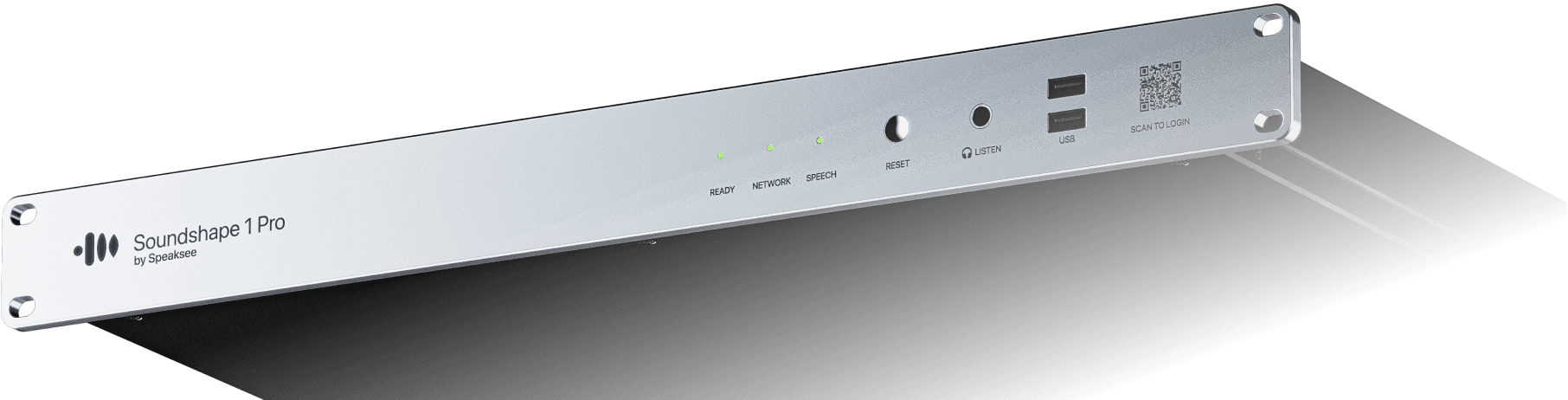
ShoundShape Pro1
ShoundShape Logo

Live captions on screens and livestreams, with text and spoken translation on attendees’ own devices.

Links

Use cases

Resources

AV Partnership

Address

Business Address: Admiraliteitsstraat 7A,
3063 EJ Rotterdam,

The Netherlands.

Rotterdam Email:

hello@speak-see.com

Phone Number:

+31 10 899 0163

All rights reserved 2025 | SoundShape by SpeakSee
